
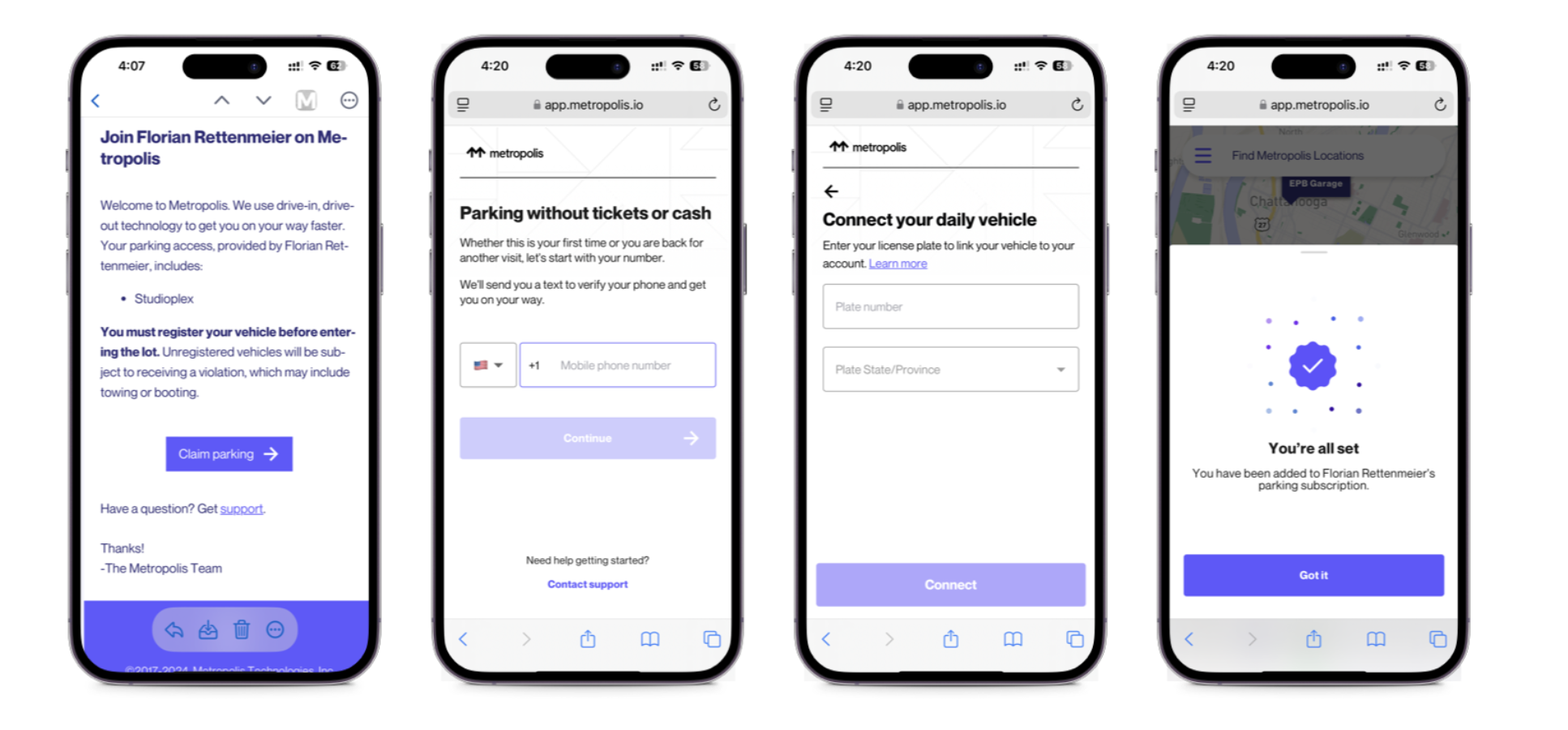
4. Provide Email Address and enroll for Metropolis Parking
Please make sure to provide your email address to the host, before parking in the garage.
You will receive an email, please enter your phone number and license plate and you will be able to park for free.
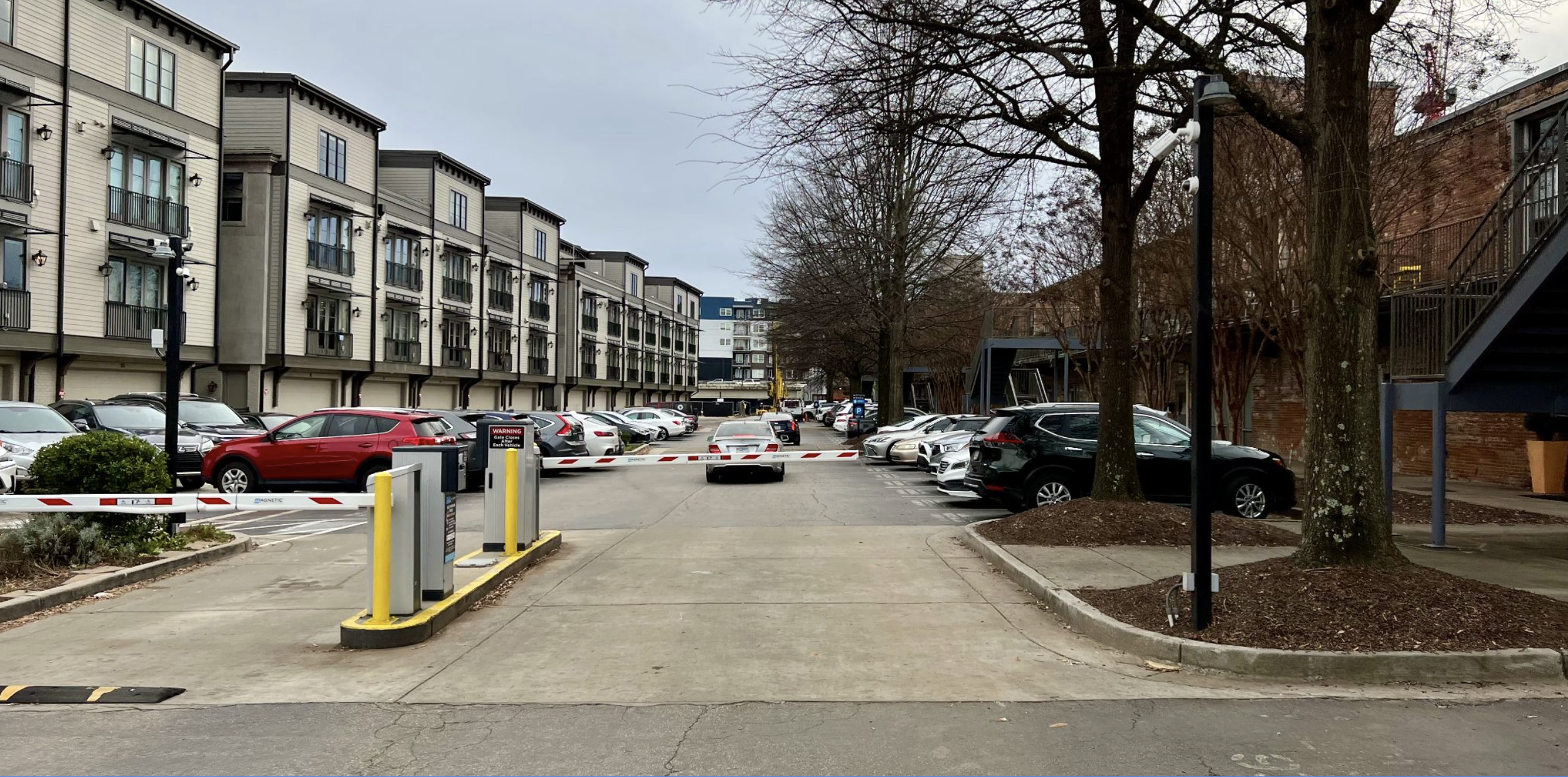
5. Open the Parking Gate
Drive around the building, the gate will open automatically
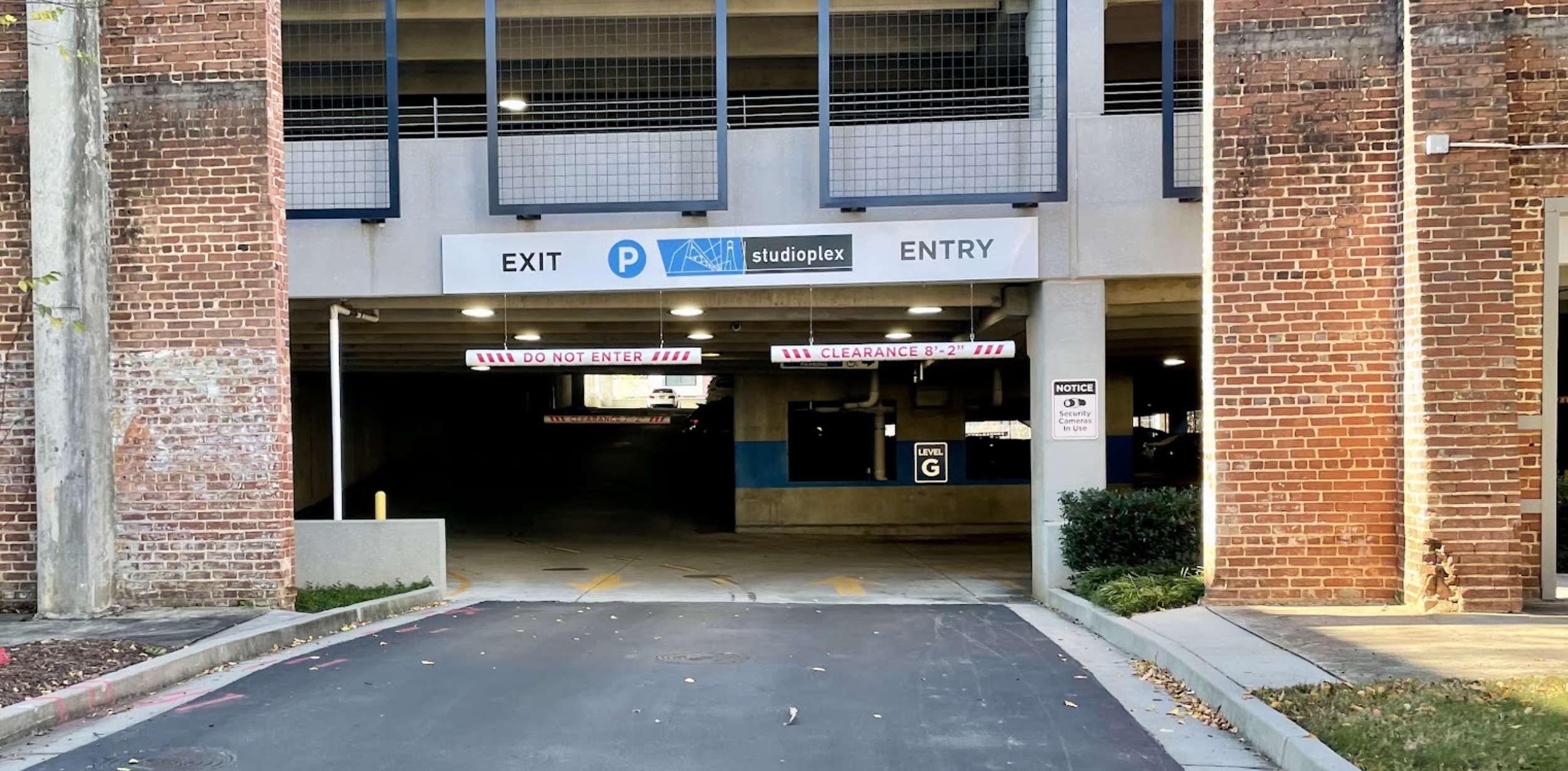
6. Drive into the Parking Garageside of the entrance
Open the parking gate with the keyfob and drive into the parking garage at the end of this street
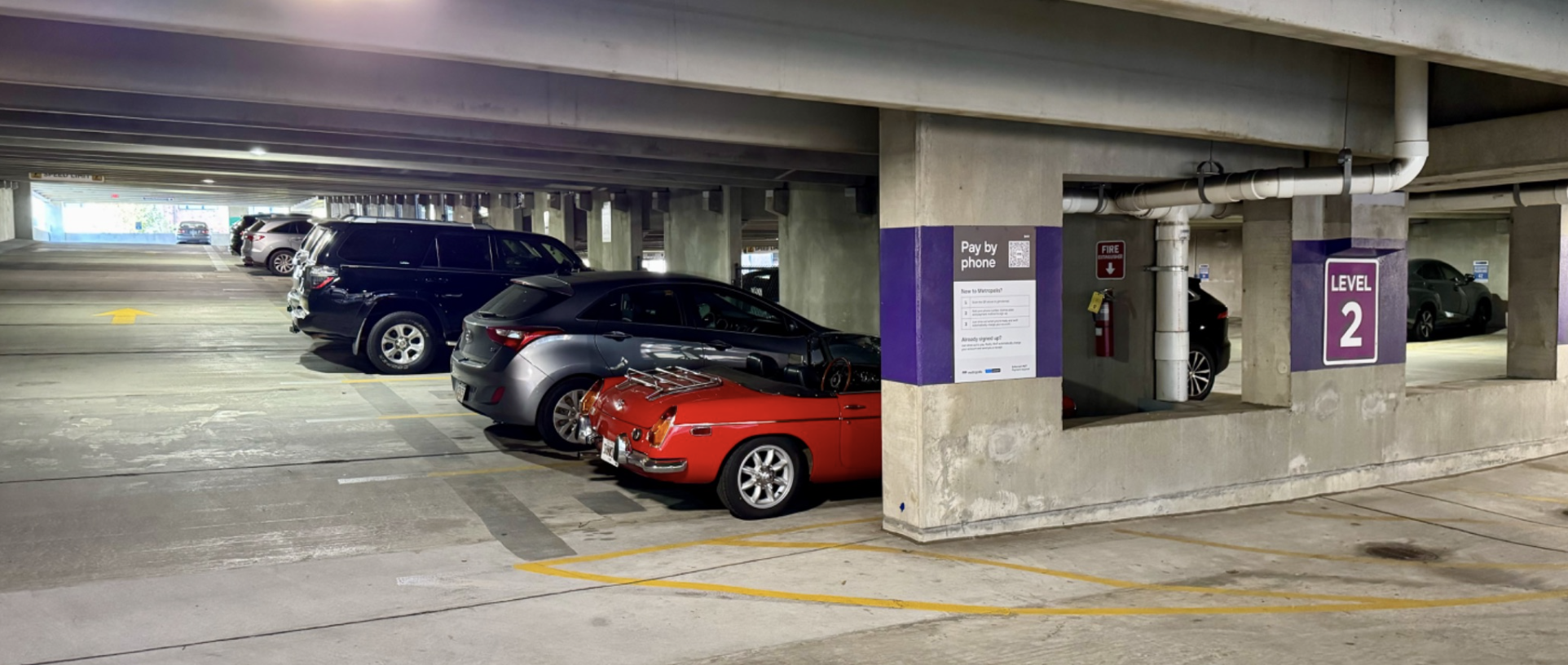
7. Park your car in the Garage
Guests can park their car either on the level 1 or on the ramp between level 2 and 3 (closest to door)
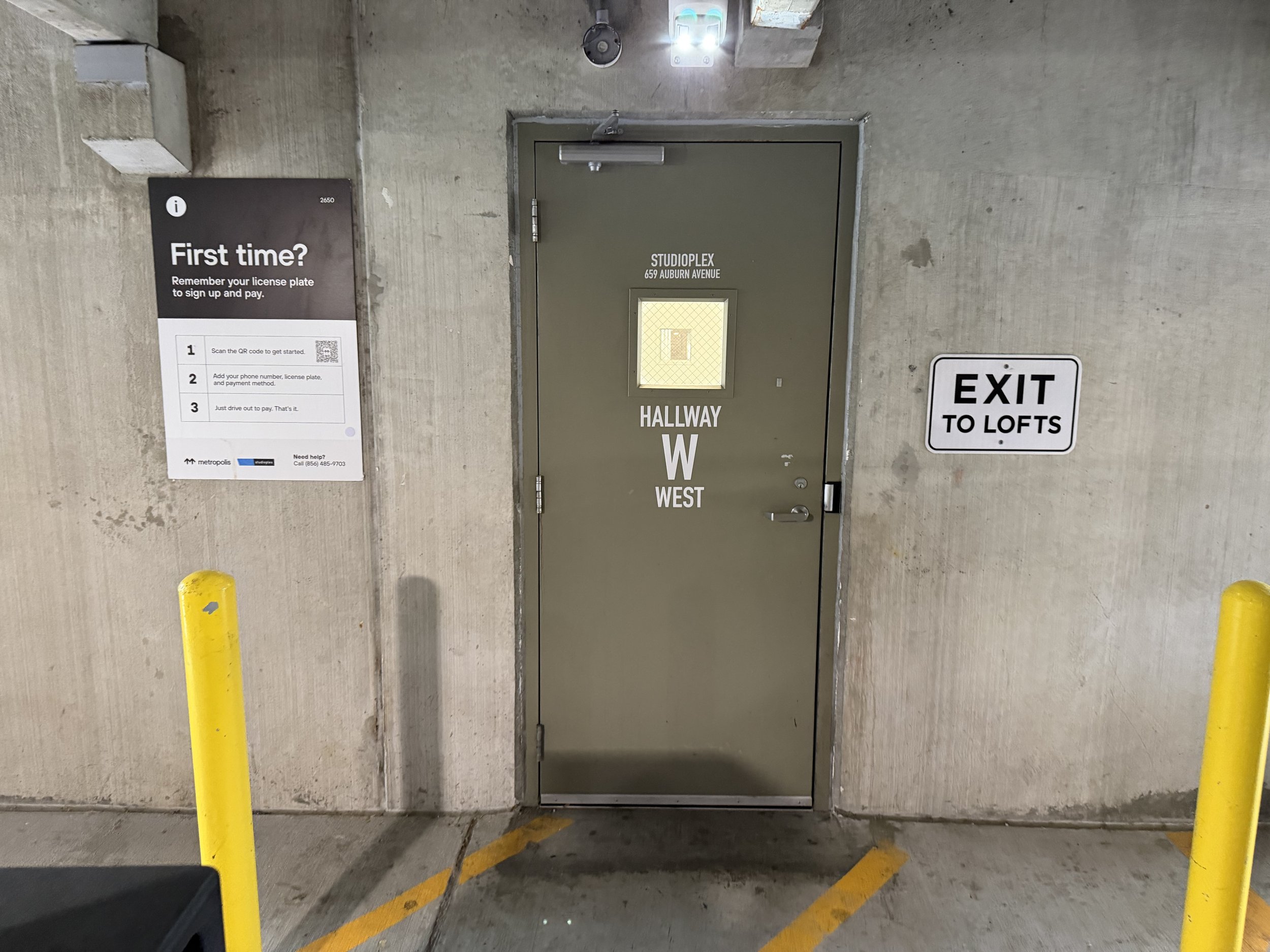
8. Enter the Building through door E on the 2nd level
Enter the building through the door right next to the parking spot. "East Hallway E"
(You will need the keyfob from the main entrance to open the door after 8pm)
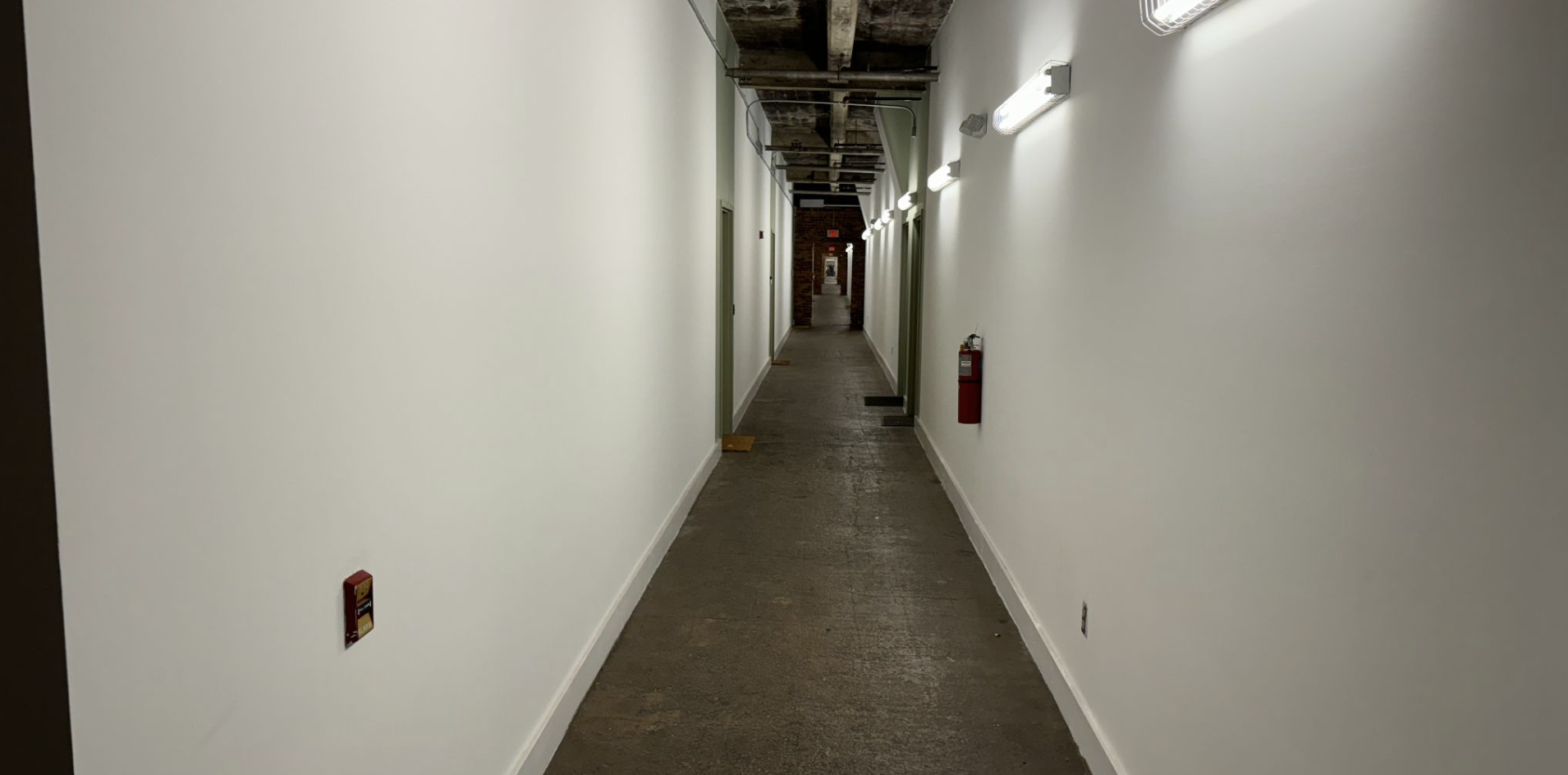
9. Walk down the hallway - 2nd Right
Walk down the Hallway, take a right at the second intersection
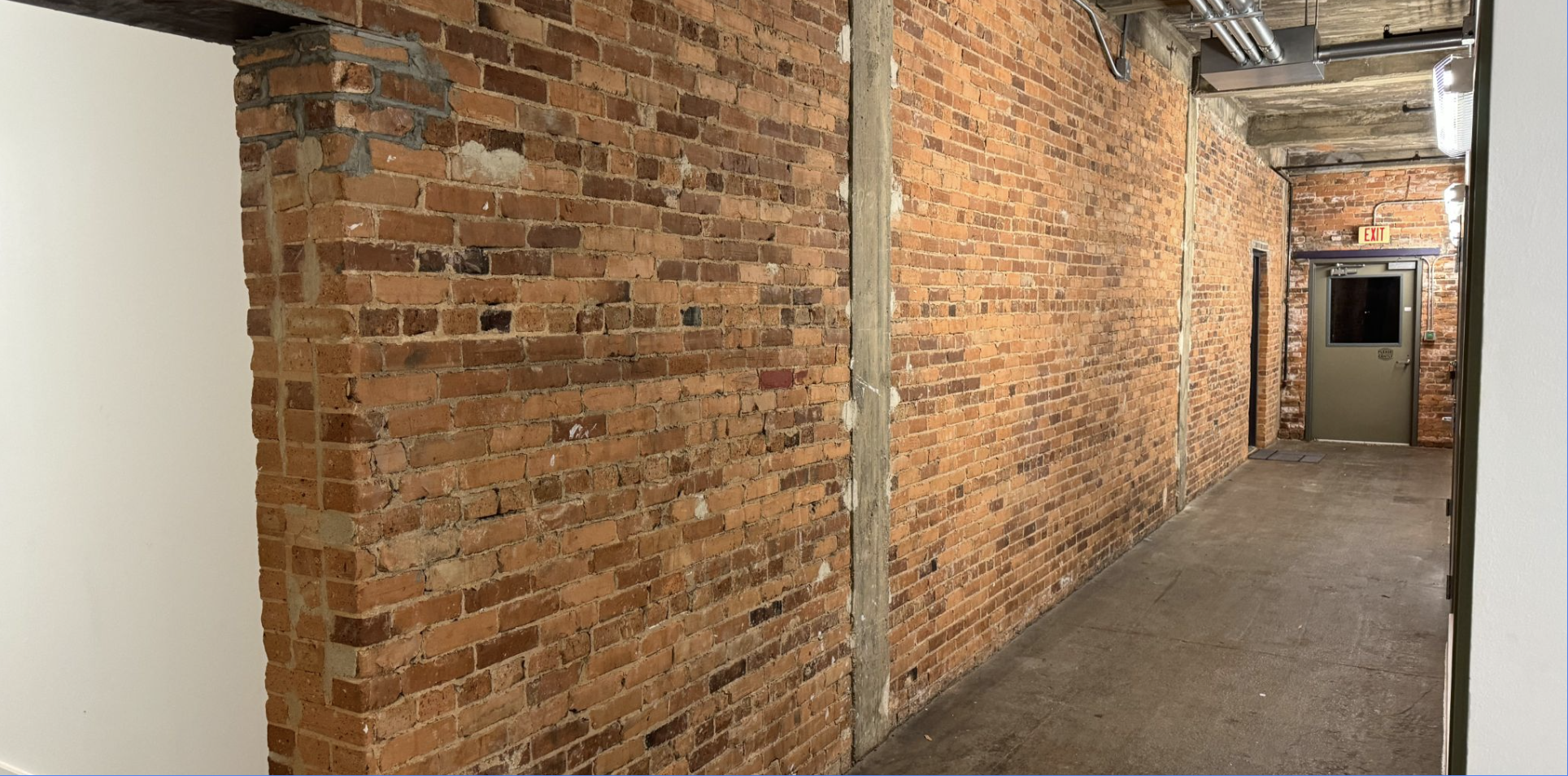
10. Unit is at the end of the hallway
After making a right, you will find the unit on the left
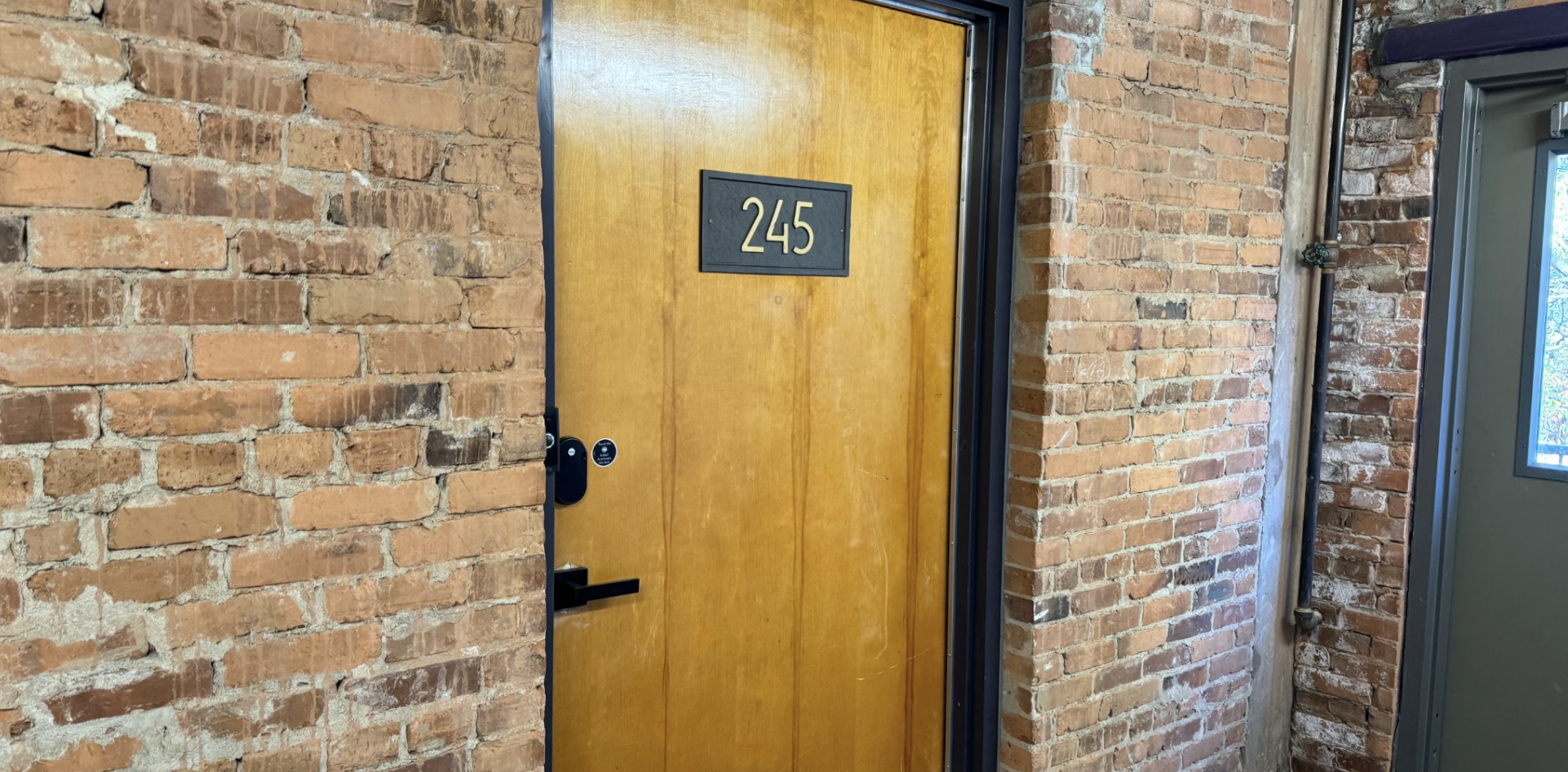
11. Open the apartment
Unlock the door by entering the code provided via Airbnb Message
Enjoy
Feel free to send me a message via Airbnb, if you have any questions - Florian